
不少用户顺利完成 Gemini 初次学生认证后,常会收到平台发起的 SheerID 二次身份核验通知,核验失败就会被收回免费 Pro 会员与配套云盘权益。很多用户卡在了认证步骤上,不知道该如何完成二次验证。本篇教程结合官方验证规范,梳理完整的且有效的二次验证技巧,手把手带大家合规完成复核。
1、准备美国大学学费收据单,让AI帮你P,要注意以下几点
【需要包括】
①学校信息(校名/校徽之类,尽量选冷门点的大学)
②学生信息(姓名/地址之类)
③具体收费项目(报了什么课,学费多少)
【需要改什么】
①时间(今年就行)
②个人信息(如果之前二次认证了但失败过,最好用那次上传的学生名)
③想保险一点,就把学费的细节也改改
【怎么找资料】
谷歌搜索,关键词:american college/universitybill/tuition bill
也可以直接搜有什么大学,加上学校名称去他的官网找模板。
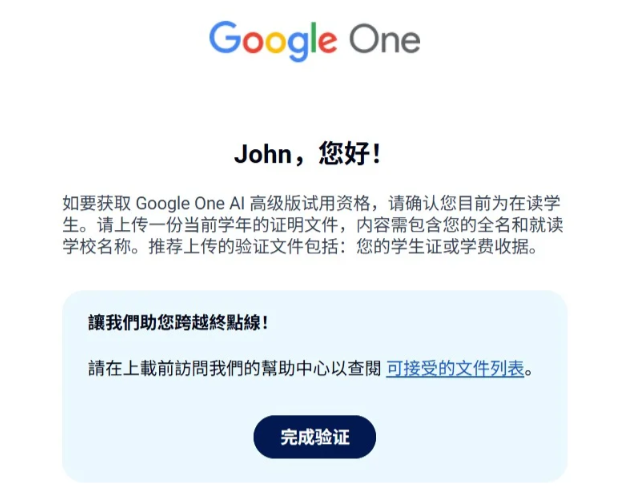
2、如果AI不肯P是因为安全机制,开个临时窗口,直接说你要P哪里就行,别管这么多。P完不放心,怕有什么遗漏,就再开个临时窗口,问这收据单有没有问题。

3、P完之后去找Sheer-id人工审核,一个是官网,一个是他们邮箱(邮箱可以问AI要)
网址:https://support.sheerid.com/en-US/help-center/contact-form
正文直接让AI生成,整个过程任何不会的直接问AI就行。或者参考以下模板
Dear SheerID Support Team,
I am trying to complete student verification for Google through your platform, but I am blocked by an error message saying “upload limit exceeded”. I can no longer upload any documents to verify my student status.
My information is as follows:
• Full name:
• Google account email:
• School name:
• School email:
• Program: Google Student Verification
I am a current full-time student at the above institution. I have valid student identification and enrollment documents available for submission. The upload restriction stops me from finishing the verification process successfully.
Could you please reset my upload limit or arrange manual review for my application? I hope to submit relevant documents and complete the student verification procedure.
Best regards.
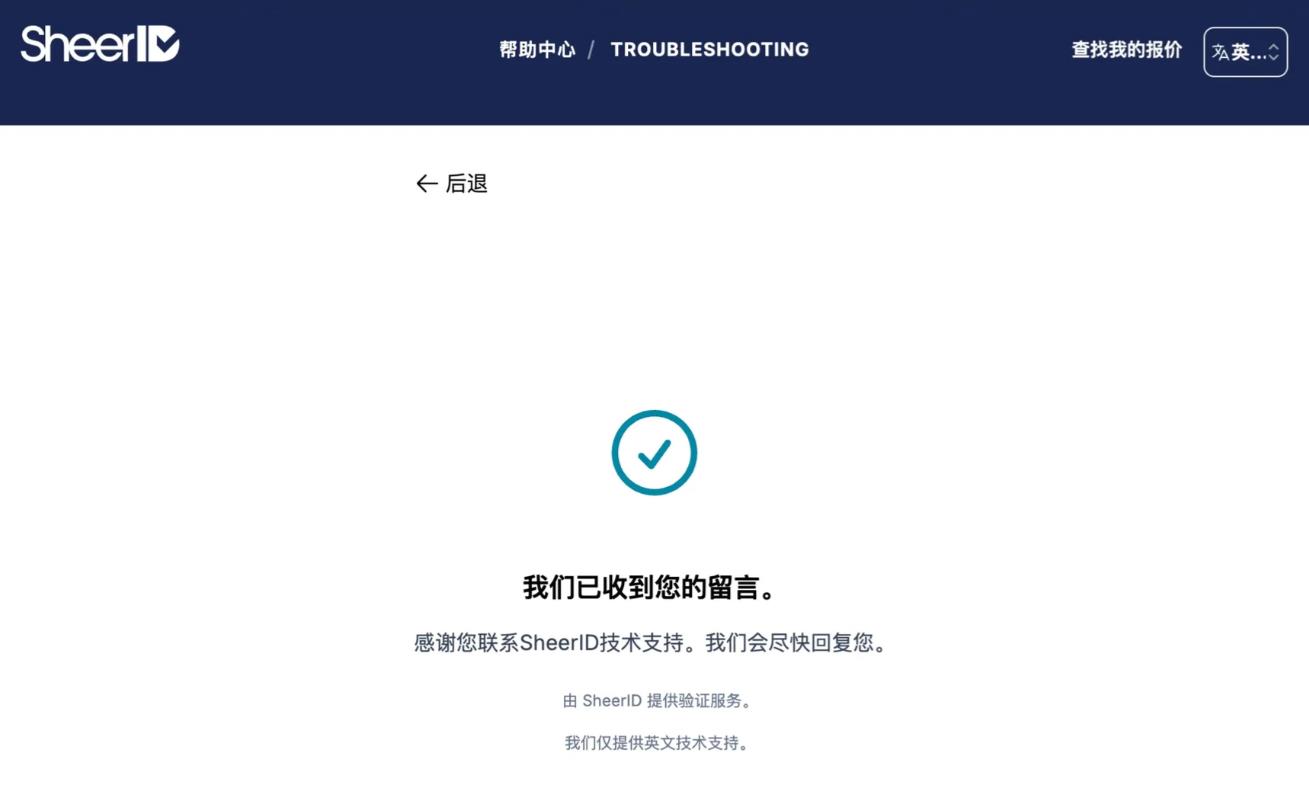
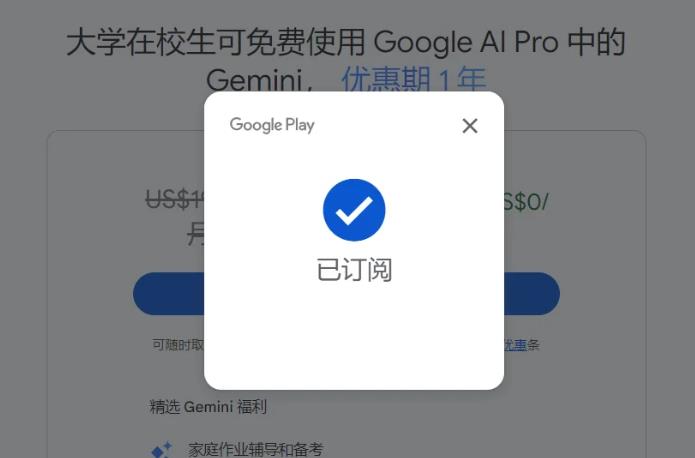
3、投递后等待1-2天会有结果,gmail会给你回信,告诉你成功没有。
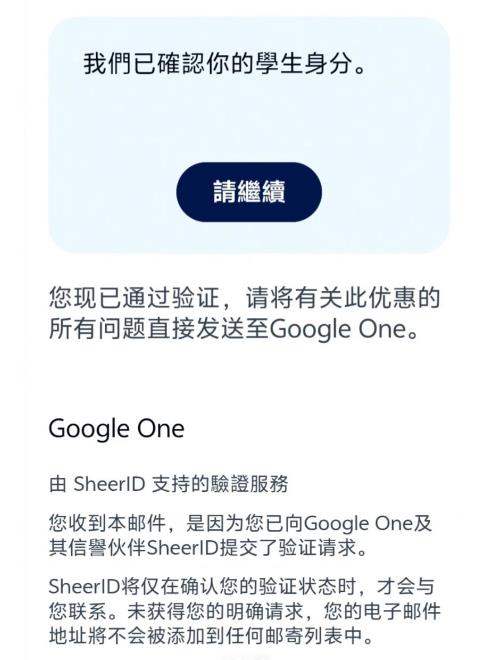
此方法为走Sheer-id的人工审核,在尝试此方法前,可以先点重新认证的链接重新认证一次,如果失败了就直接发邮件走人工。